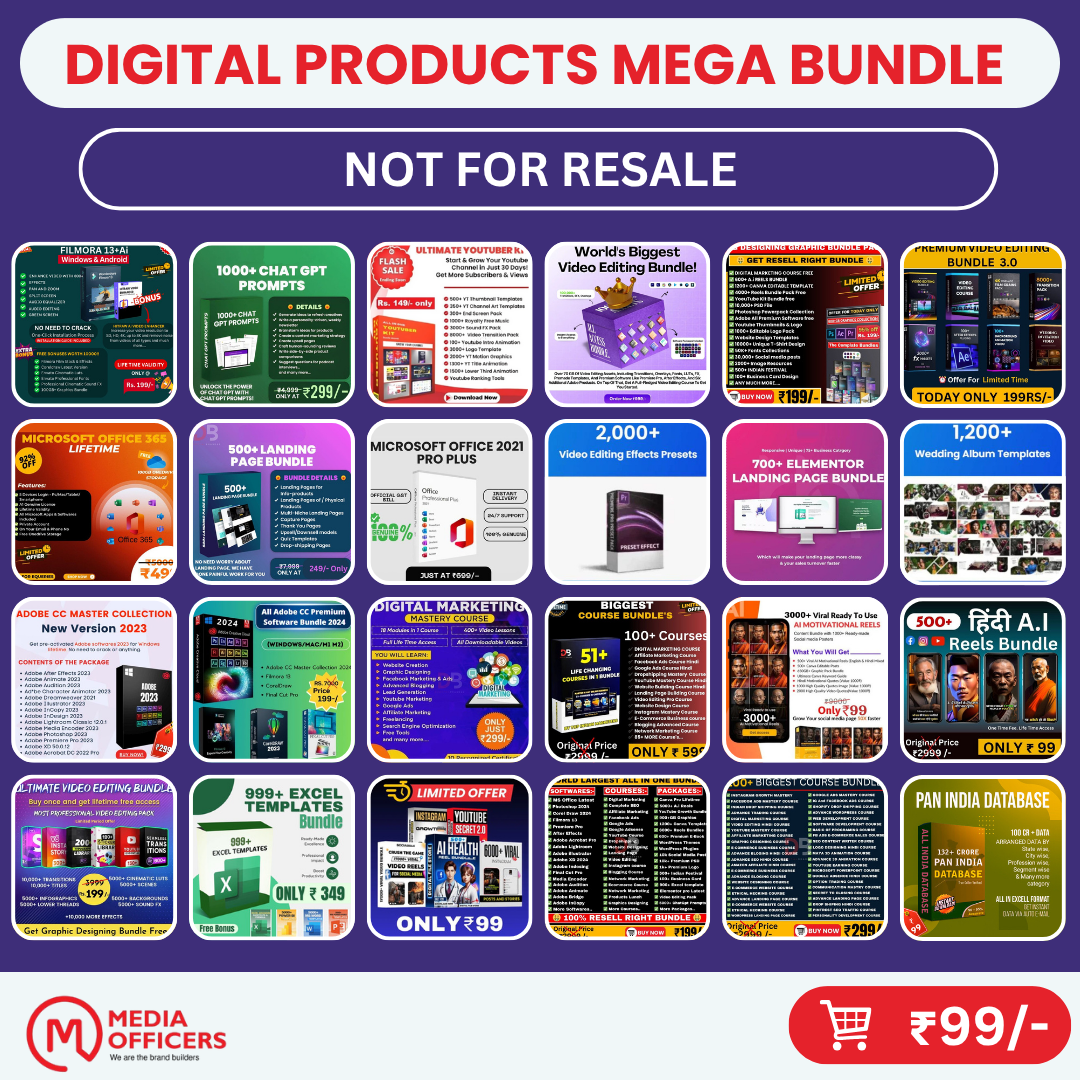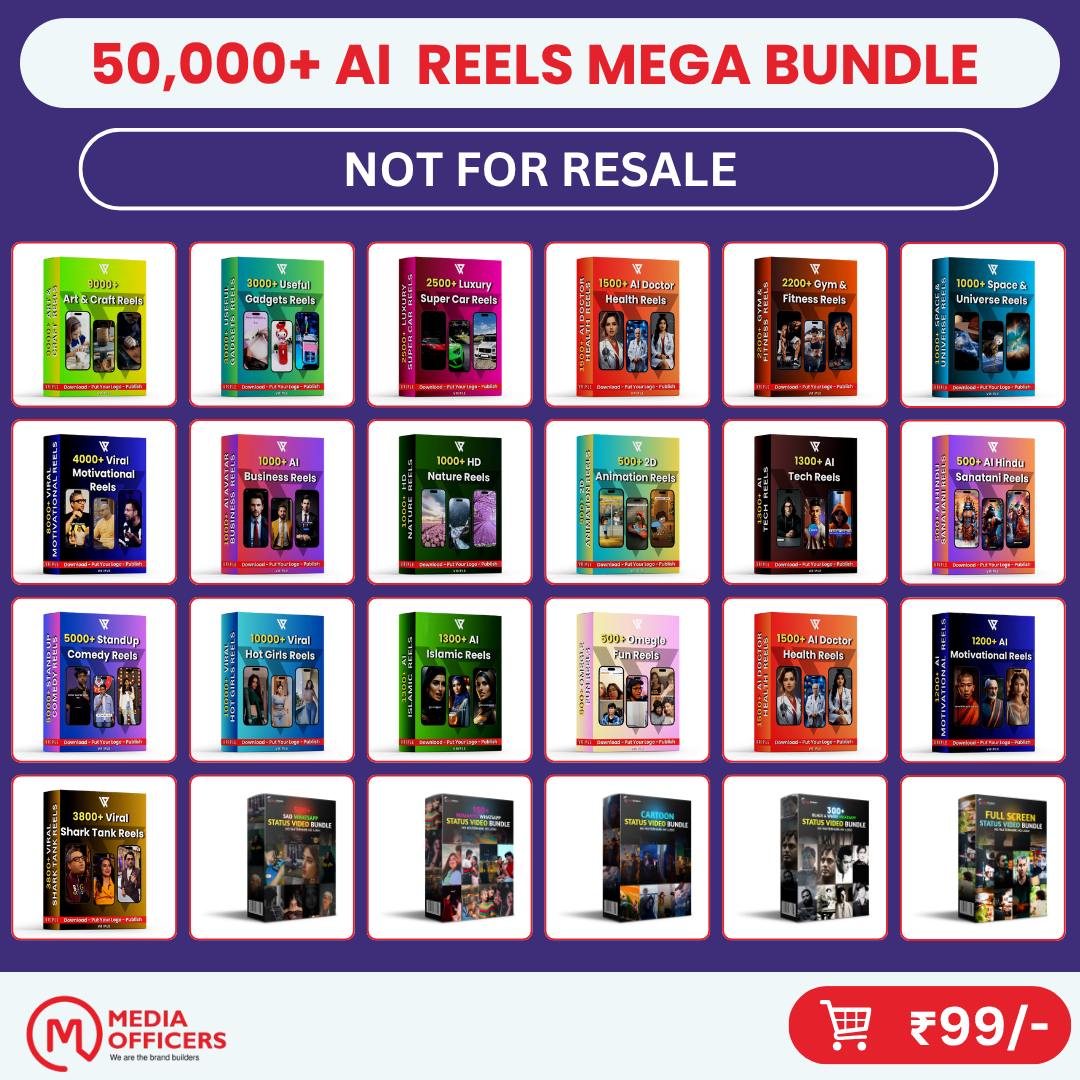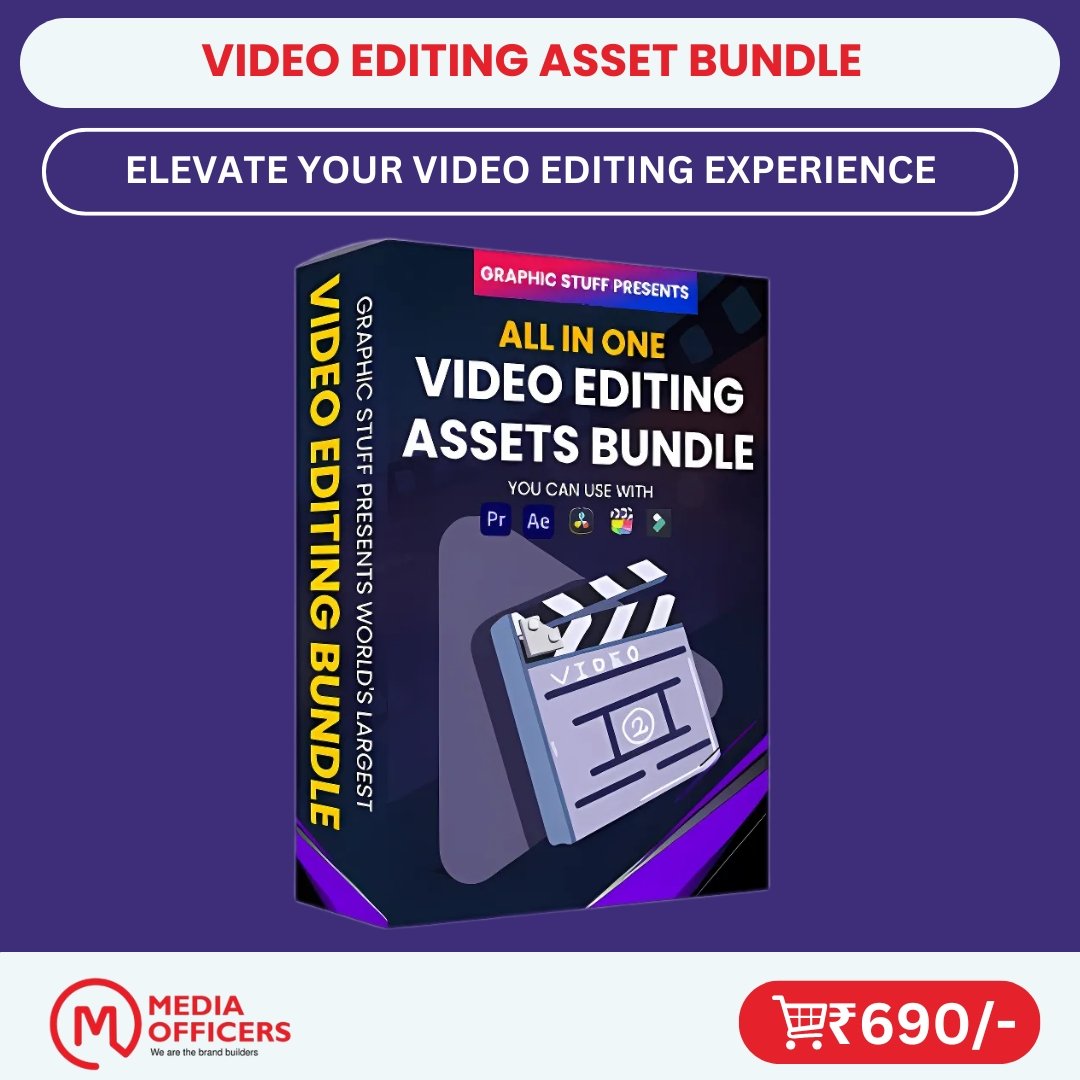
Video Editing Asset Bundle
- Save 100+ Hours: Skip starting from scratch with ready-to-deploy files.
- Instant Google Drive Access: Download links appear on-screen within seconds of payment.
- Commercial Use Rights: Use for personal projects, social media, or client deliverables.
- One-Time Investment: Lifetime access and future resource updates with zero monthly fees.
Unlock the complete collection for ₹ 199.00 (Combined Value: ₹ 27,277.00, save ₹ 27,078.00).
Product Description & Details
Video Editing Asset Bundle – Templates, Presets & Overlays for Content Creators
Edit Faster, Create Better with the Ultimate Video Editing Asset Bundle
Want to take your video content to the next level without wasting hours on editing? The Video Editing Asset Bundle is designed to speed up your workflow and elevate your content with professional-grade visuals. Whether you're a YouTuber, digital marketer, influencer, or video editor, this bundle gives you everything you need to make videos that stand out.
This all-in-one bundle includes high-quality transitions, overlays, animated titles, LUTs, sound effects, and more—all organized and ready to drop into your projects. It’s compatible with top tools like Adobe Premiere Pro, After Effects, Final Cut Pro, CapCut, DaVinci Resolve, and more.
📦 What’s Included:
- Video transitions (glitch, zoom, swipe, cinematic)
- Title animations and lower thirds
- Light leaks, overlays & particle effects
- Color grading LUTs
- Sound effects & background music tracks
- Organized folders for easy use
- Compatible with Premiere Pro, CapCut, After Effects, FCPX, DaVinci Resolve, etc.
✅ Why Choose This Video Editing Asset Bundle:
- Save hours on video production
- Create viral, scroll-stopping content faster
- Ideal for YouTube, Reels, Shorts, Ads, and client projects
- No need to create effects from scratch
- One-time purchase, lifetime access
❓ Frequently Asked Questions
Q1: What software can I use with this bundle?
Q2: Are these assets beginner-friendly?
Q3: Can I use these for client or commercial projects?
Q4: How do I access the bundle after purchase?
🎬 Make Every Edit Count
Click Add to Cart now and transform your content with the Video Editing Asset Bundle—the ultimate toolkit for creating stunning videos effortlessly.
Digital Product Specifications
| Delivery Format: | Instant Digital Download / Direct Drive Access |
| Category: | Bundles |
| Publisher / Brand: | MediaOfficers |
| Access & Validity: | Lifetime Access + Future Resource Updates |
| Commercial Rights: | Personal & Commercial Use Included |
| Customer Support: | 24/7 Dedicated Ticket Desk (Open a Ticket) |
Frequently Asked Questions About This Asset
Everything you need to know about purchasing, accessing, and using this digital asset.
You receive instant access to the digital files via direct Google Drive download links. The download buttons appear immediately on your order confirmation page and are also emailed to you right away.
Yes! Full commercial use rights are included. You can use these templates, reels, and toolkits for your own brand, social media channels, freelance client deliverables, and commercial campaigns.
Our 24/7 Support Desk is always open. Simply click Support in the top menu or submit a ticket, and our technical team will assist you or resend files immediately.
It is strictly a one-time payment with lifetime access. You will never be charged recurring fees or subscription costs.
Because digital software, plugins, themes, and creative assets are delivered immediately upon checkout, digital products are strictly non-refundable once accessed or downloaded. If you experience technical difficulties, our 24/7 support desk will assist you with installation and file access.
Verified Buyer Reviews & Quality Feedback
✓ 100% Authentic Customer GuaranteeCustomer Satisfaction is Our Top Priority
We believe in complete transparency. Every resource is checked for real-world utility. If you have purchased this item, you can submit your verified review via the receipt link or reach our support team directly.
Have a Question or Need Help? Contact Support Desk